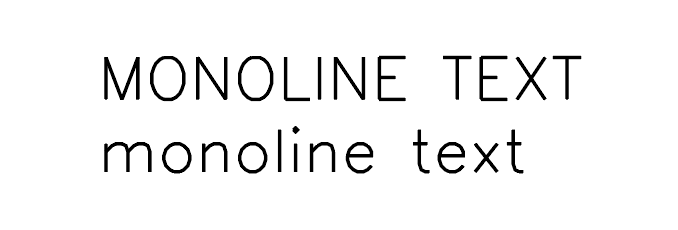
If you’re engraving quick text for a jig, ruler, or similar project and don’t want to wait an eternity, monoline type will save you time and frustration.
Using monoline text allows you to engrave and laser text faster and more efficiently, with cleaner paths and shorter run times. For designers who rely on speed and precision, this type of font is a practical solution. Try running this script to see how monoline text can streamline your workflow and improve your overall production time.
It is vector-based text designed specifically for laser cutting and engraving, combining clean, efficient paths with interesting brush effects to add visual character without compromising performance.
When you run the script, it shows a dialog where you can:
- Enter font size (in points)
- Type or paste text (supports multiple lines)
- Click OK to generate the text, or Cancel to exit
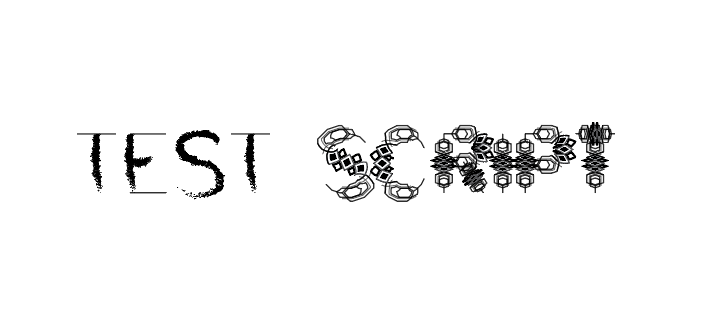
This test script shows how different brush styles change the look of engraved text when using a monoline font. Each variation highlights how strokes, overlaps, and textures behave once everything is reduced to a single continuous path. Built for efficiency, monoline type is perfect for quick engraving great for tests, labels, rulers, and jigs where speed and readability matter more than decorative details. Cleaner paths mean faster engraving and more reliable results every time.
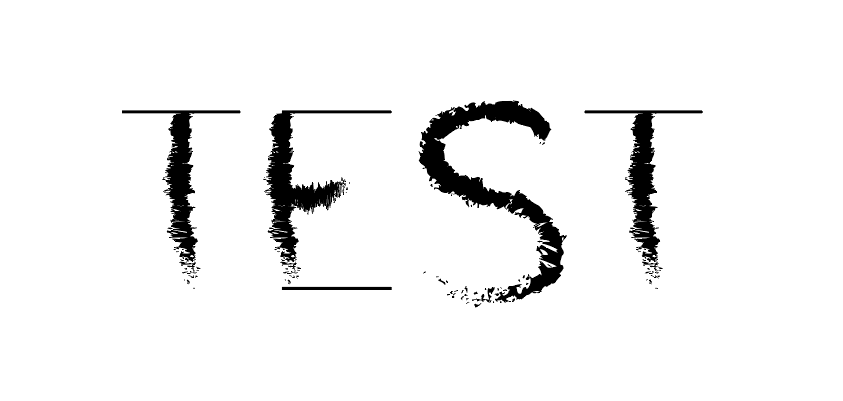
This monoline text is built from a single continuous line and brought to life with textured brush effects. Even though the strokes look rough and expressive, each letter still follows one clean path making it ideal for fast engraving and scoring tests. It shows how monoline scripts can keep their personality and texture while staying efficient and reliable for quick text output.
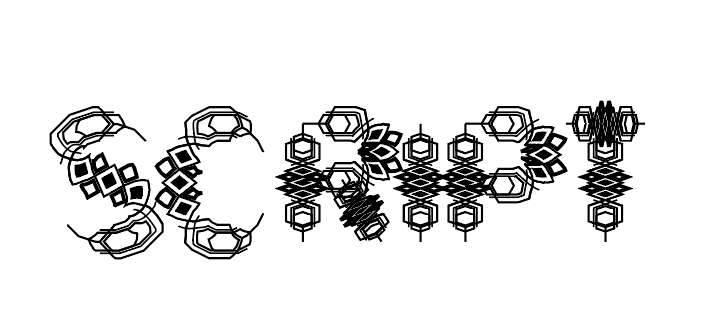
What’s great about monoline texts is how they balance beauty with logic. Even when a design looks like a complex, hand-painted brushstroke, it’s actually built on one continuous, simple path. This means you get all that rich visual detail without the headache it engraves quickly and cleanly every time. It’s the perfect middle ground for when you want your work to look interesting but still need it to be efficient and reliable.
